Big pictures never fit
Generic pixel tools ignore pegboards, so your art comes out bigger than any board you own and impossible to plan.
beadai maps every pixel to real Perler and Artkal colour codes, cleans up stray beads so blocks stay placeable, and hands you an exact shopping list — all inside your browser.
Cyber Cat
29 × 29 · 9 colours · 512 beads
Shopping list preview
No sign-up, no upload to our servers. The conversion runs in your browser and the file never leaves this device.
Drag an image here, or choose a file
PNG, JPG or WEBP up to 10MB. Photos with clear subjects convert best.
No photo handy? Try a sample
Size
Brand
Your chart shows up here
Pick a photo with one clear subject — a pet, a game sprite, a logo. You will get a bead grid and the exact colours in a couple of seconds.
Four problems every serious bead artist hits, solved inside one browser studio.
Generic pixel tools ignore pegboards, so your art comes out bigger than any board you own and impossible to plan.
Random single beads make patterns painful to place. beadai merges stray pixels into solid, placeable blocks.
Matching hundreds of Perler and Artkal shades by eye leads to wrong bags. Every pixel is matched in Lab colour space instead.
Counting beads by hand wastes an evening. The studio prints exact counts per colour plus handy buy links.
No downloads, no account required to try. The heavy lifting happens right in your browser.
Drop a PNG, JPG or WEBP up to 10MB, or let the AI generator draw pixel art from a short description.
Pick 29 × 29 for one standard pegboard, 58 × 58 for four boards, or set a custom grid. Denoising keeps blocks clean.
Export a printable grid with tiny colour codes and grab the exact shopping list for every colour you need.
Type a short prompt, get pixel-style art, and watch it become a bead chart with real Perler and Artkal codes. Guests get three generations per day; Pro members get unlimited generations plus large boards and printable PDFs.
Prompts are checked before generation and unsafe requests are refused with a clear message. Please avoid describing characters or artwork you do not have rights to use.
Prompt
Describe the sprite you want in plain English.
Pixel art
A pixel-style image is generated for you.
Bead pattern
Colours snap to real bead codes and get denoised.
Every preview below is generated with the same pipeline you get in the studio: downsample, Lab colour match, denoise, then count.
Showing Cyber Cat
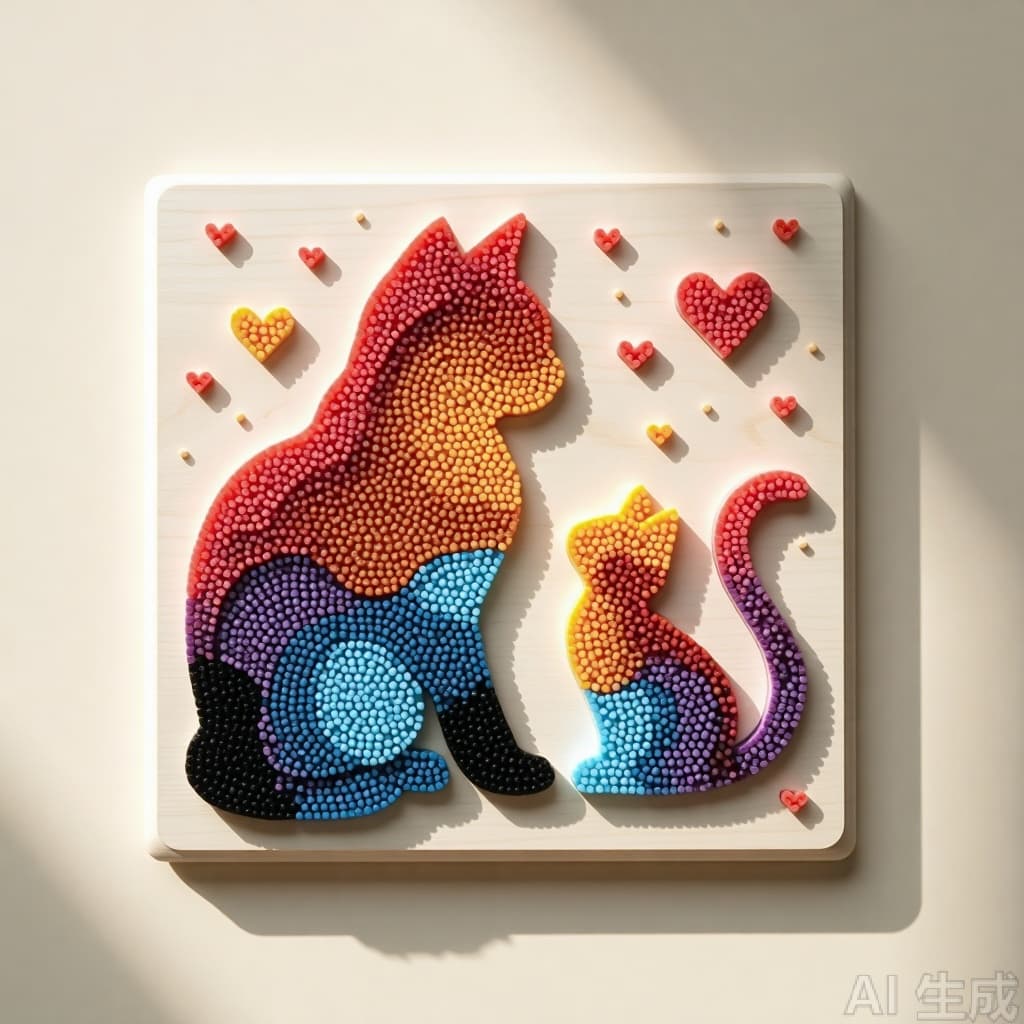
Cyber Cat
29 × 29 · 9 colours · 512 beads
Everything you need for a first sprite is free. Pro adds unlimited AI ideas, large boards, colour swaps and printable charts.
Generation limits, colour accuracy, accounts and printing — answered up front.
Open the studio, drop in an image or describe an idea, and get a printable chart with an exact shopping list in under a minute.